Social media for remodelers
Social media marketing for remodelers, from demo day to reveal
Social media marketing for remodelers means posting each remodel from demo day to reveal on Facebook and Instagram, so homeowners ask for consultations. CredibleAI turns your project photos and reviews into those posts, so leads arrive already knowing your work.
7 days free, then $49 for your first month, then $199 a month. Cancel any time from Billing.

Which remodeling photos should I show on Instagram?
Show remodeling photos from every stage: demo day, open walls, cabinets set, tile going down and the finished room. The demo posts below include a kitchen, a walk-in shower, a demo day and a planning shot with cabinet samples.
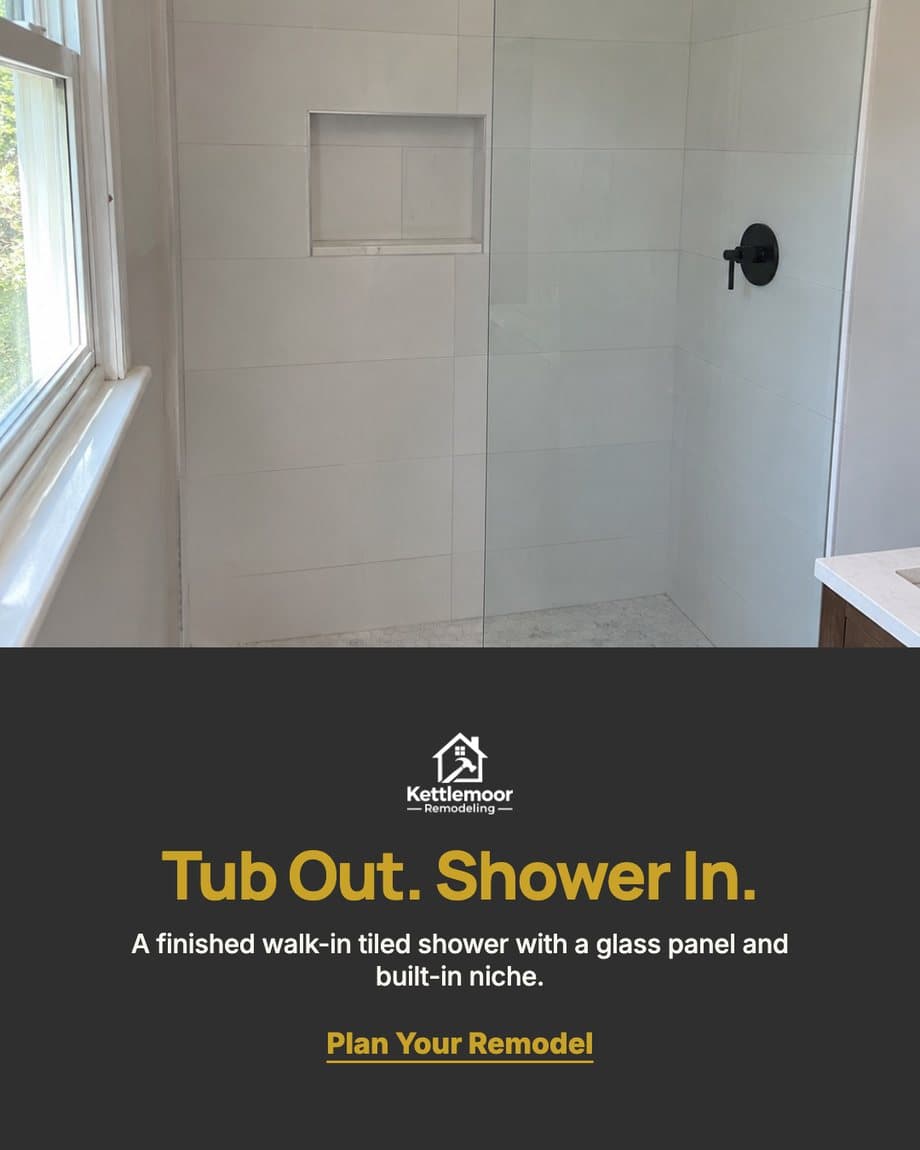
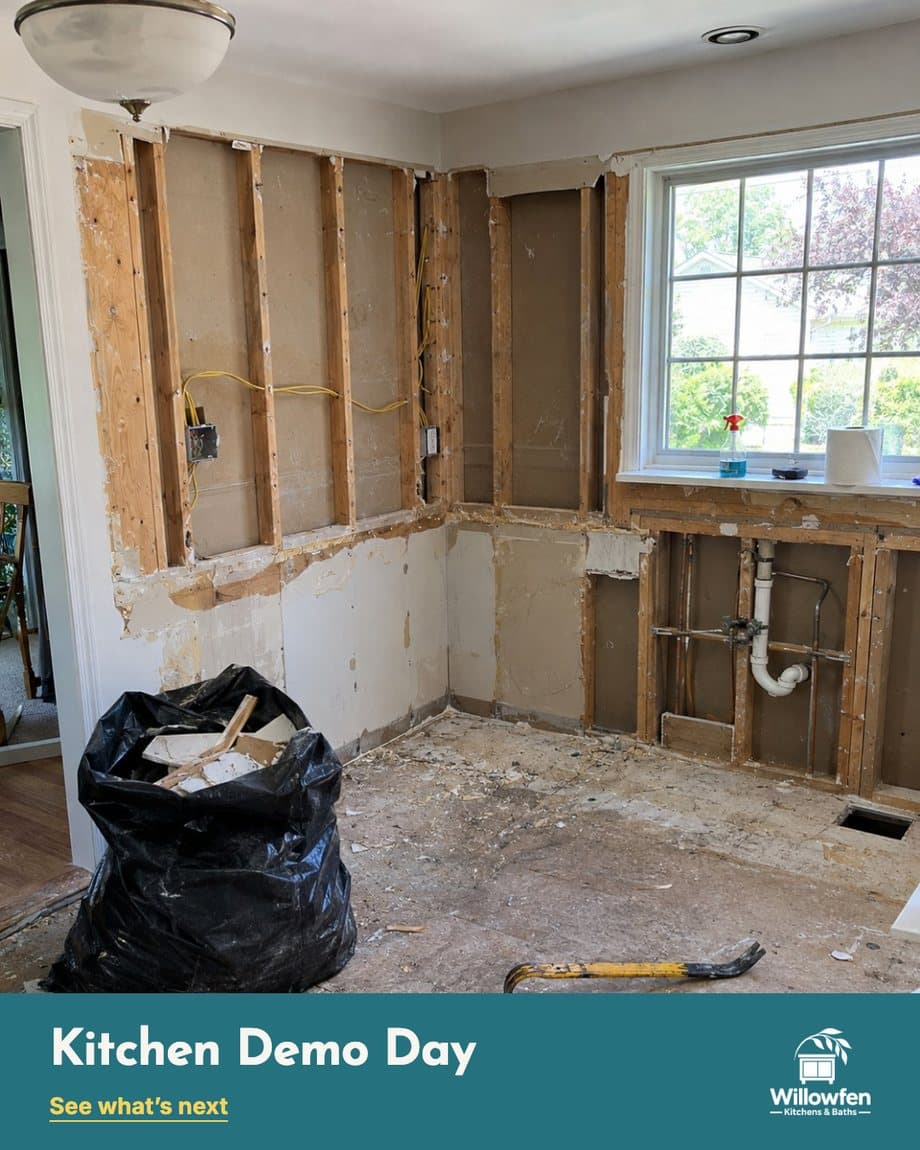

Demo posts made by CredibleAI. The businesses, their reviews and their photos are invented. Your posts use your own jobs.
How does CredibleAI turn jobsite photos into posts?
Remodelers get a post from a jobsite photo by sending each stage and approving the caption that comes back. The caption explains the layout or the material, so your part is the photos and one tap of approval.
Put in your website
CredibleAI reads the rooms you remodel, your service area and your brand colors while you sign up.
Photograph each stage
Take the room on demo day, with the walls open, with cabinets in, with tile going down and finished. Stand in the same corner every time.
Posts tell the whole job
A before and after, plus posts from the stages in between, each with a caption that explains why you chose the layout or the material.
Approve them
Read each post first, then approve it so it goes out on the day you pick.
Remodeling social media: quick answers for Facebook and Instagram
What should a remodeling company post on social media?
Post a remodel stage by stage: demo day, the middle, then the finished room. Each stage shows how you work.
- Demo day with dust sheets up
- Mid-job progress from the same corner
- Finished room on the last day
Post this: Same corner, stage by stage
Skip: One photo after it is done
How do I post a home renovation on Instagram?
Lead with a clean photo of the finished room and a short caption. Put the longer story, like why you moved the sink, on Facebook.
- One strong photo in good daylight
- Short caption: room, town, one detail
- Facebook story: the why behind a choice
Post this: Finished photo, short local caption
Skip: Dark photos taken late in the day
How do I talk about remodeling costs without posting prices?
Name what moves the cost: cabinets, countertops, moving plumbing or walls, and design time. Offer a consultation for real numbers.
- Cabinets and countertops are the big choices
- Moving plumbing or walls adds work
- Permit and design time come first
Post this: What drives cost, then a consultation
Skip: Price guesses in comments
How do I show a kitchen or bath remodel on Facebook?
Show the old space, the new one and one detail a homeowner can copy, like a walk-in shower.
- Same angle before and after
- One detail such as tile or a new vanity
- Local touch: the street or neighborhood
Post this: Tub-to-shower swap, same angle
Skip: Close-ups with no context
How do I reassure homeowners about dust and noise?
Post how you protect the house: dust sheets up first, tidy work areas and a clear schedule. Homeowners worry about living in the mess.
- Dust sheets up before the first swing
- Daily cleanup photo at the end of the day
- Clear schedule with the next steps
Post this: Dust sheets, tidy site, clear plan
Skip: Hiding the mess from homeowners